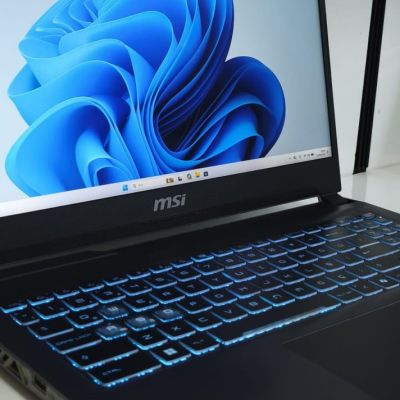

Computer Maintenance Guide: When Do You Need Thermal Paste, Cleaning and Windows Reinstall?
When does your computer or laptop need maintenance? We explain step by step how thermal paste replacement, internal cleaning and a Windows reinstall affect your device's speed and lifespan.
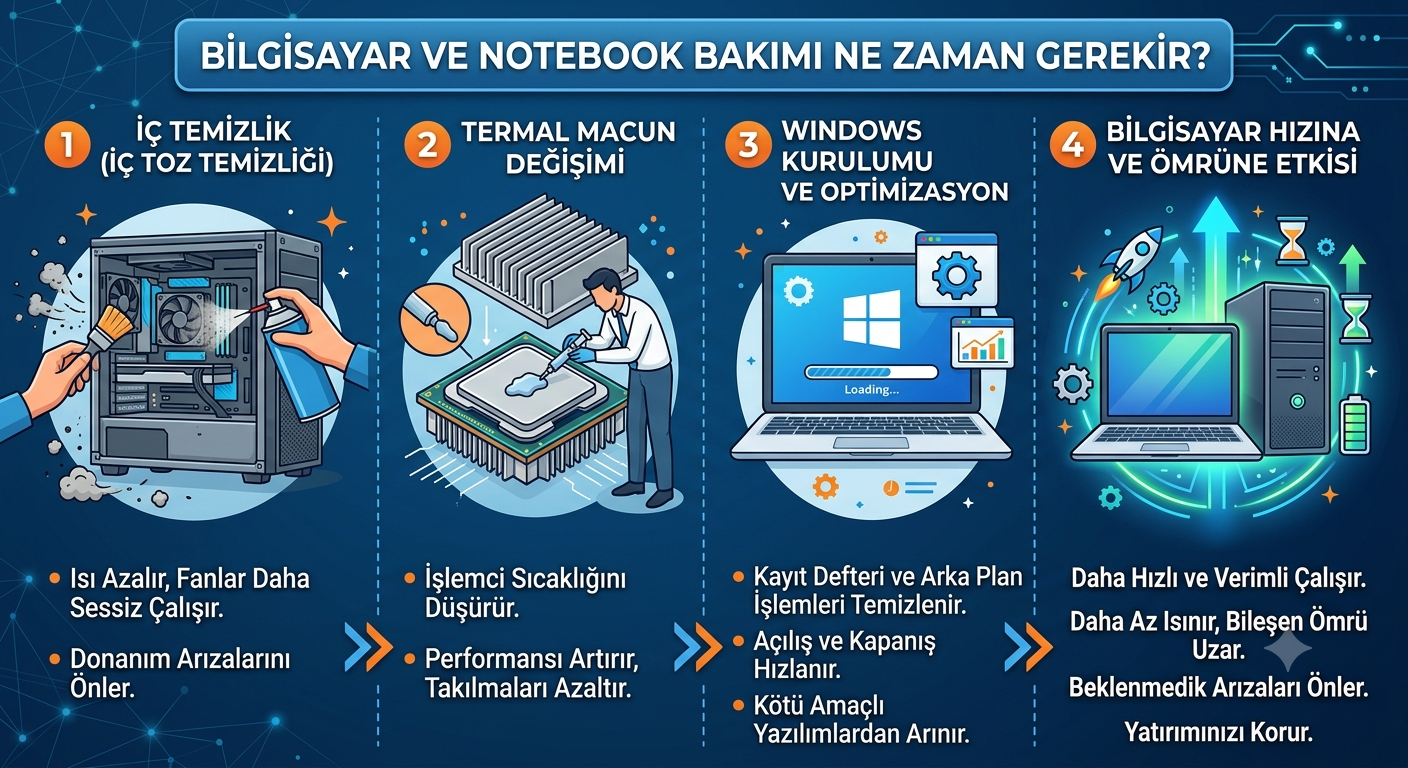
Why is computer maintenance important?
Is your computer no longer as fast as it used to be? Are the fans constantly noisy, does the device overheat and shut down, or does it take minutes to start? Most of these share one cause: neglected regular maintenance. Over time the inside of a computer fills with dust, which covers the fans and heatsinks and traps heat. When the CPU and graphics card overheat, the system slows down to protect itself and may even shut down suddenly. Add dried-out thermal paste over the years, and the device loses a big part of its performance. Regular maintenance restores speed and extends hardware life.
5 signs it's time for maintenance
- The device overheats; the case or underside gets very hot
- Loud noise coming from the fans
- Sudden shutdowns or freezes under heavy programs
- Startup and app loading have clearly slowed down
- Visible dust build-up in the case or between the keys
What does periodic maintenance include?
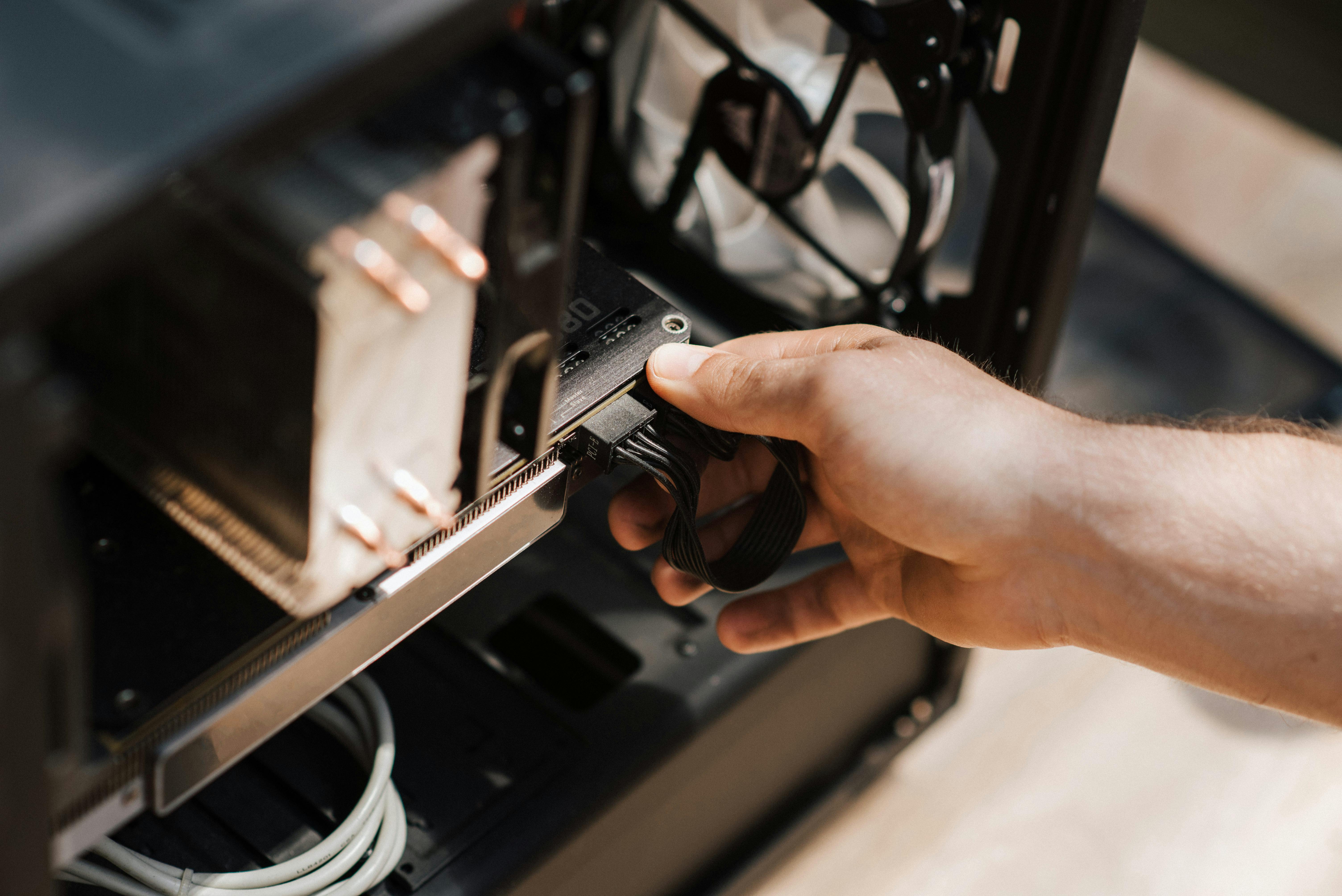
Internal cleaning — The case or laptop is opened; fans, heatsinks and air channels are cleared of dust. This alone solves most overheating and noise problems.
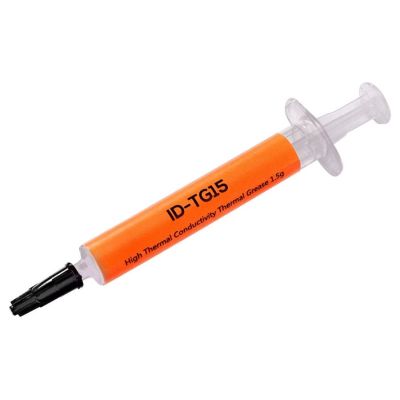
Thermal paste replacement — The thermal paste between the CPU/GPU and the heatsink dries out over time, reducing heat transfer. Replacing it with quality paste noticeably lowers temperatures and restores performance. It is usually recommended every 1.5–2 years.
Windows reinstall and software optimization — Accumulated junk files, startup programs and corrupted system files also cause slowdowns. When needed, a clean Windows install with up-to-date drivers brings the device close to factory speed.
How often should you service it?
- Internal cleaning: 1–2 times a year (more often in dusty environments)
- Thermal paste: every 1.5–2 years
- Windows/software maintenance: as the device slows down, or once a year
Should I do it myself or use a service?
Simple external cleaning is something a home user can do. However, opening the case/laptop, removing the heatsink and replacing thermal paste require experience; a mistake can damage the motherboard or socket. Laptops in particular have delicate hinges, ribbon cables and cooling assemblies. Leaving these tasks to a competent technical service gives the best result without risking your device.
Computer and laptop maintenance in Pendik
We have served at the same address in Pendik since 2008, offering all maintenance services including desktop and laptop internal cleaning, thermal paste replacement, fan repair and Windows installation. We inspect your device for free and give you clear information before starting any work. If your computer has slowed down or is overheating, bring it in — we'll check it for free.