
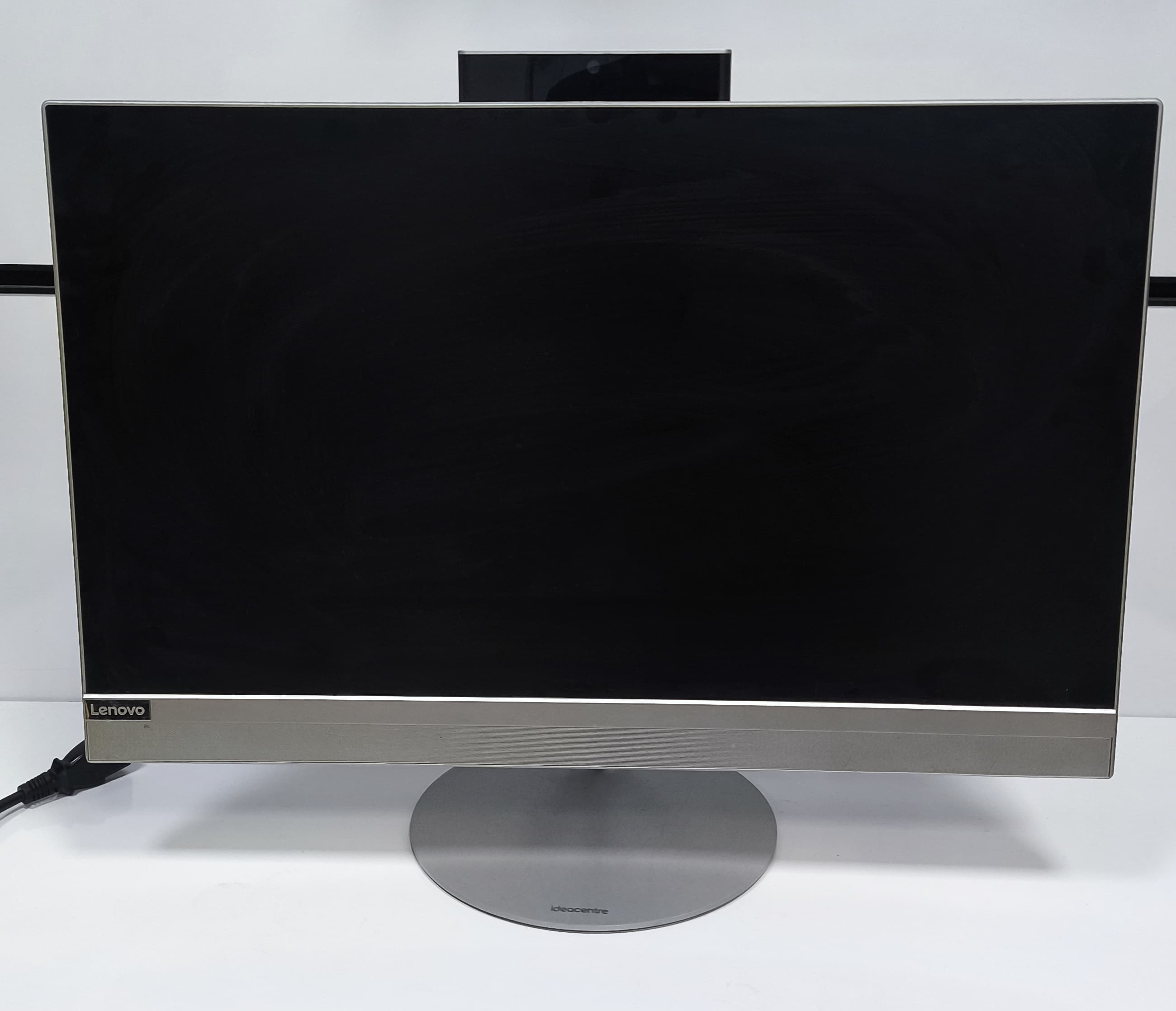
Laptop (Notebook) Repair and Maintenance in Pendik: Display, Charging and Overheating Issues
Notebook repair and periodic maintenance in central Pendik (Çarşı). Causes and guaranteed solutions for laptop no-display, charging failures, overheating, Windows installation and driver problems.

Is your notebook failing you exactly when you need it most in Pendik? At Kariyer Bilgisayar, based in central Pendik (Çarşı), we repair and maintain laptops of every brand. From no-display and charging faults to overheating and Windows installation, this guide covers the most common issues, their causes and solutions.
Why Expertise Matters in Notebook Repair
Unlike desktops, laptops pack delicate components into a tiny chassis. The display cable, charging jack, power circuits on the mainboard and the cooling system are all intertwined. A wrong move can turn a small fault into a costly repair, which is why an accurate first diagnosis is essential.
The Most Common Laptop Faults We See in Pendik
1. Laptop Powers On But No Display (Black Screen)
The power light is on and the fan spins, but the screen stays black. Most common causes:
- RAM contact issues: Memory that has shifted or oxidized over time can cut the display entirely.
- Display (LVDS/eDP) cable: Hinge movement wears the cable, causing flicker or no image.
- Panel or backlight failure: If you see a very faint image when shining a light on the screen, it's a panel/backlight issue.
- GPU / mainboard fault: Common on gaming laptops with dedicated graphics (BGA solder issues).
Try it yourself: Connect the laptop to an external monitor/TV via HDMI. If the external screen shows an image, the fault is in the panel or display cable; if not, it points to the mainboard/GPU. This simple test helps narrow down the problem.
2. Laptop Won't Charge or Won't Hold a Charge
"Plugged in, not charging" is one of the most frequent complaints. Possible causes:
- Faulty adapter (charger): The most common and cheapest fix; tip cable breaks are frequent.
- Loose charging jack: If charging cuts in and out when you move the cable, the jack solder has failed.
- Worn-out battery: Rapidly dropping percentage or a "replace battery" warning means the battery is tired.
- Mainboard charging circuit: If adapter and battery are fine, the charging IC on the board may be the issue.
Adapter, battery and mainboard should each be tested separately; the fix is often far more affordable than expected.
3. Laptop Overheats, Gets Loud or Shuts Down by Itself
Devices that heat up and shut down under load, or run with constant fan noise, almost always have a cooling problem:
- Dust build-up: Dust in the fan and heatsink fins blocks airflow.
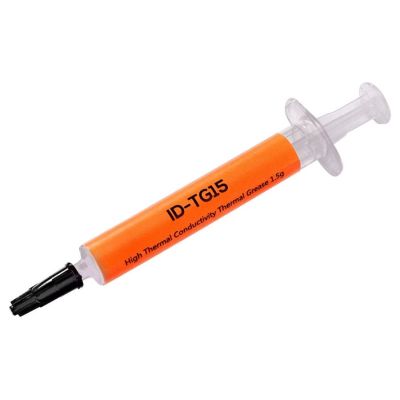
- Dried thermal paste: The paste between CPU and heatsink dries out, ruining heat transfer.
- Failing fan: A worn fan bearing is both noisy and ineffective.
The solution is internal cleaning and thermal paste renewal. This maintenance typically lowers temperatures by 15-25°C and noticeably improves performance. Ignoring overheating can permanently damage the mainboard and GPU.
4. Windows Installation, Slowness and the Need for a Reformat
A laptop that takes minutes to boot and constantly freezes is often a software issue, not hardware:
- A clean, licensed Windows installation makes the system fast again.
- Switching from HDD to SSD delivers the single biggest speed boost, reviving even old laptops.
- Removing bloatware and viruses restores boot speed and overall smoothness.
5. Driver and Software Problems
Wi-Fi not working, no sound, wrong resolution, unresponsive touchpad... most of these come from missing or incorrect drivers. Installing the correct drivers and configuring Office and essential software gets the device running like new.
Periodic Maintenance: Prevent Faults Before They Happen
Our most valuable advice for notebooks: have an internal cleaning and thermal paste renewal at least once a year. Regular maintenance largely prevents overheating, sudden shutdowns and expensive mainboard failures — especially for devices used around pet hair, smoke or dust.
Why Kariyer Bilgisayar in Pendik?
- Central location: Being in central Pendik (Çarşı) makes dropping off and picking up your device easy.
- Brand-independent service: Asus, HP, Lenovo, Acer, MSI, Casper, Monster, Dell, Apple and more.
- Guaranteed workmanship: Our repairs and replaced parts are under warranty.
- Transparent process: No work or charge without your approval.
- Online service tracking: Check your device status anytime with your tracking code on our service tracking page.
Besides central Pendik, we also serve nearby areas including Kurtköy, Kaynarca, Kartal and Gözdağı. Explore everything we offer on our services page.
Frequently Asked Questions
How long does a laptop repair take?
Most software work (reformat, Windows installation, drivers, virus removal) and standard maintenance are usually completed the same day. Hardware repairs that require parts depend on part availability; we give clear timing after diagnosis.
If there's no display, can my device be saved?
Most black-screen issues stem from memory, the display cable or the panel and are fixed affordably. Even mainboard/GPU faults are often repairable. Exact information is given after diagnosis.
Does a charging problem always mean a new battery?
No. The issue is often the adapter or charging jack, which are far cheaper to fix than a battery. We test adapter, battery and mainboard separately to avoid unnecessary costs.
What should I do about overheating?
Internal cleaning and thermal paste renewal resolve most overheating problems. We recommend this maintenance once a year.
Leave Your Notebook in Safe Hands in Pendik
Display, charging, overheating, Windows or drivers — whatever the problem, the Kariyer Bilgisayar Pendik Çarşı team delivers fast, guaranteed solutions. For a free initial assessment, message us on WhatsApp or call our landline at 0216 379 99 72.
You may also like
All articles
Computer Shop and Repair Service in Pendik: Repair, Maintenance, Cleaning and Notebook Service
Computer service in central Pendik: desktop and laptop repair, notebook service, maintenance and internal cleaning, Windows installation, screen and battery replacement, data recovery. Guaranteed workmanship, same-day solutions, online tracking.

Laptop Battery Replacement in Pendik: Swollen Battery, Fast-Draining Charge and Compatible Batteries
Battery replacement for every laptop brand and model in central Pendik. Swollen battery danger, fast-draining charge, correct voltage/mAh-compatible battery and pre-delivery testing. Most replacements are completed the same day.

Notebook Cracked Screen Replacement in Pendik: Original Panel, Correct Hz and Compatibility Testing
Cracked screen replacement for every laptop brand and model in central Pendik. Original/compatible panel, correct resolution and Hz value, full compatibility testing before delivery. Most replacements are completed the same day.